SEO Check
Do people find your website on Google, and what to fix first
Before anyone can buy from your website, they have to arrive, and for most businesses the biggest door in is Google. When a site gets little from search, the cause is usually not mysterious: a setting that tells Google to stay away, a page that doesn’t say what people search for, or words Google never gets to read. This skill file, a set of instructions you give to ChatGPT, Claude or Gemini, teaches it how to find which one it is on your site.
Get the skill file
Enter your work email and your company’s website. We check both in a few seconds, then the download button appears.
It reads your site the way Google first receives it
Whether Google may read your pages
One clear version of each page
Words Google can read
Links to the pages that matter
Where you show up, never guessed
Google’s own public checks
Add the file, answer six questions, get your Monday list
Watch the 57-second video, or read the three steps.
1
Add the file
Give the file to ChatGPT, Claude or Gemini, signed in, and say “Use the seo-check skill”. It tells you first what it needs from you.
2
Answer six questions
Your website and the pages that matter; where your customers are and the language they search in; what you sell and to whom; the searches you want to be found for, or your competitors; whether you have Google Search Console; and anything that changed recently. Each comes with an example answer.
3
Get your Monday list
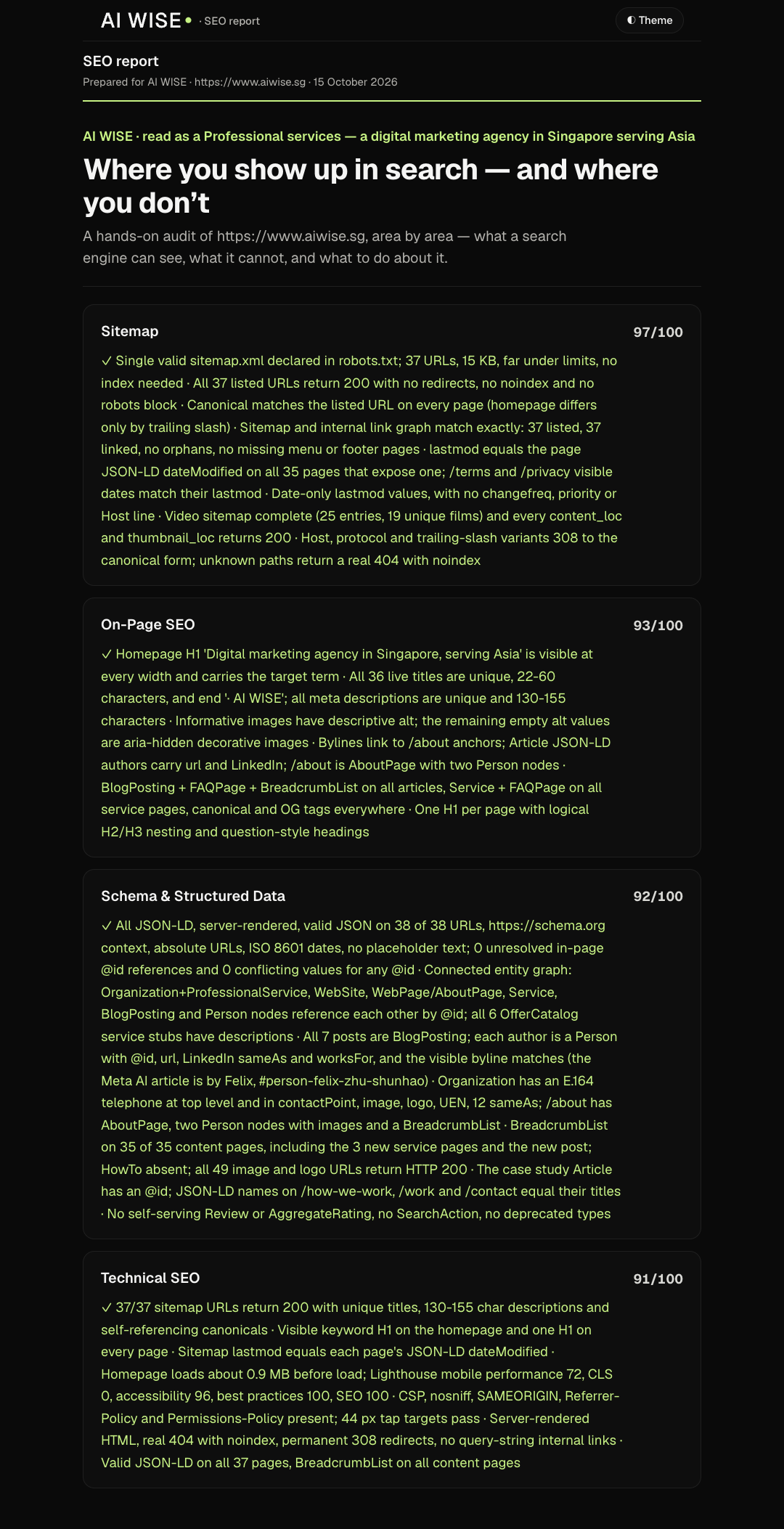
A report whose first page answers two questions: can Google find, read and list your important pages, and where do you show up for the searches that matter? It ends with what to do on Monday: each fix, who does it, how soon and why.
It runs in ChatGPT, Claude or Gemini
It tells you first what the chat asks of you: about 30 to 45 minutes for three pages and five searches.
Tested
ChatGPT
Tested
Gemini
Not tested yet
Claude
It never asks for a password, a login or access to an account: screenshots and exports are enough. It only reads, and changes nothing on your site. It gives no made-up overall score, and it never guesses a position in search: each one comes from your own Search Console or a real search, and says which.
The fixes, done for you
The skill tells you what to fix and who should do it. For clients, we do the fixing, then check again.