Growth Doctor
Why visitors leave your site, and what to fix first
When ads stop paying, most people change the ad. Often the ad was never the problem: a checkout that demands an account, a booking form that asks too much, a buy button hidden under a chat bubble on a phone, or tracking that can’t see half the sales. This skill file, a set of instructions you give to ChatGPT, Claude or Gemini, teaches it how to find which one it is on your site.
Get the skill file
Enter your work email and your company’s website. We check both in a few seconds, then the download button appears.
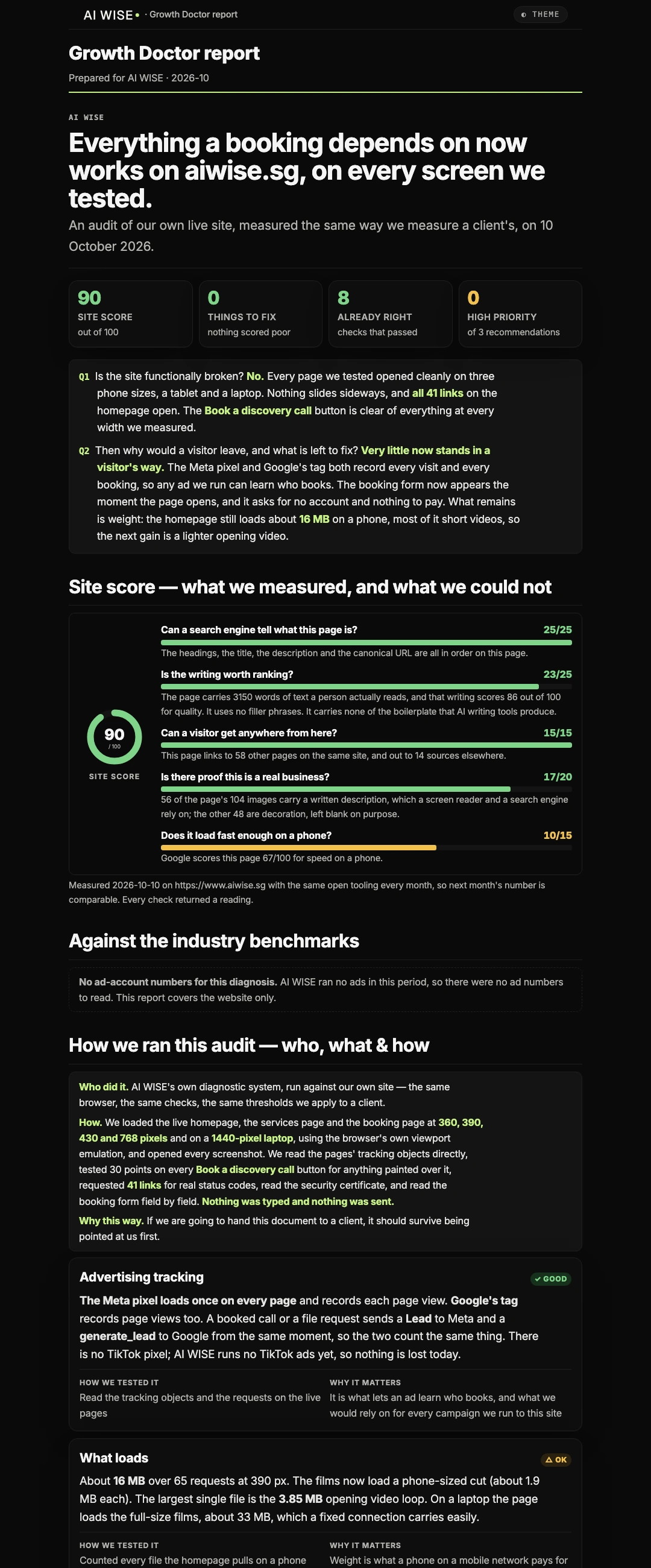
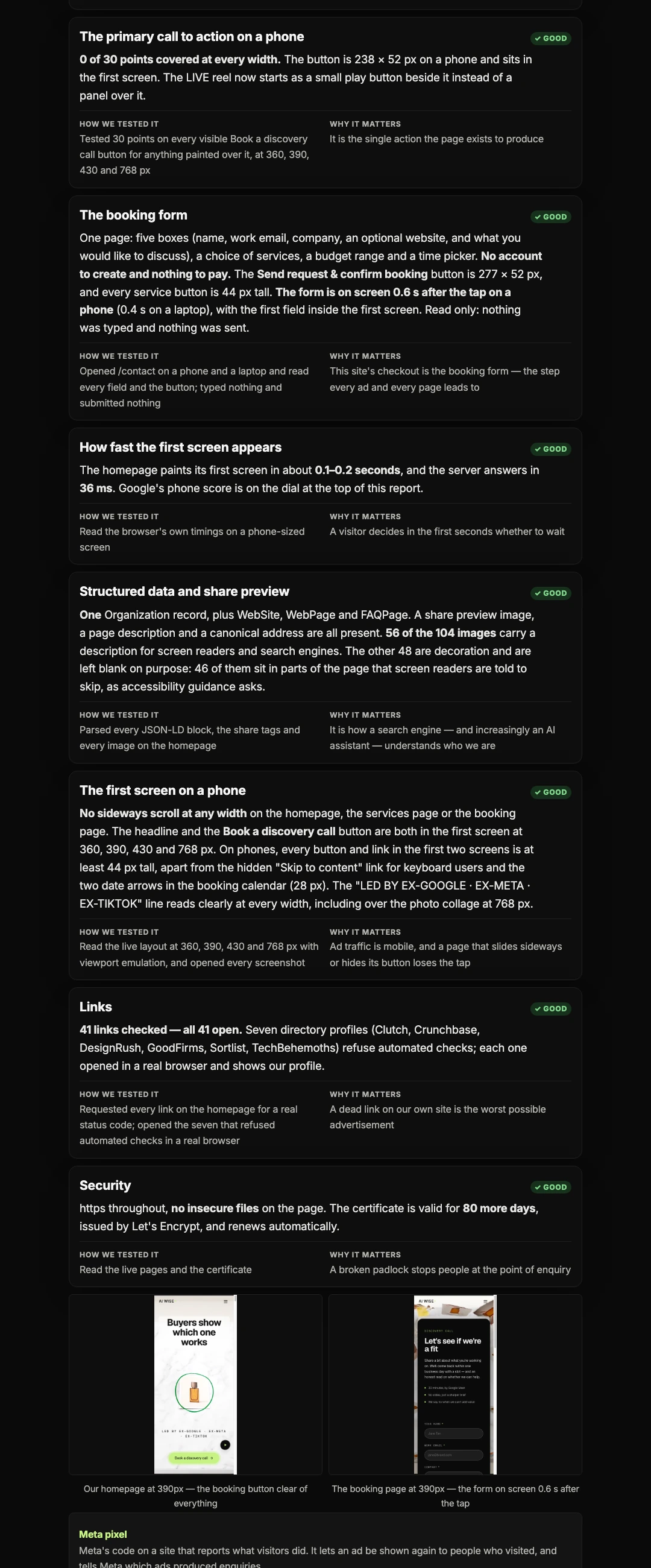
It looks at your site the way a buyer on a phone does
Your site on three phones, a tablet and a laptop
The way to the payment screen, or to the end of your form
Every link and the padlock
Where your ad visitors drop out
Whether ads can pay at all
Add the file, answer five questions, get your Monday list
Watch the 55-second video, or read the three steps.
1
Add the file
Give the file to ChatGPT, Claude or Gemini, signed in, and say “Use the growth-doctor skill”. It tells you first what it needs from you.
2
Answer five questions
Your website and the page your ads lead to; what you sell and what counts as a sale; what one sale is worth and where your buyers are; your last 30 days of ad numbers, or “site only”; and anything that changed recently. Each comes with an example answer.
3
Get your Monday list
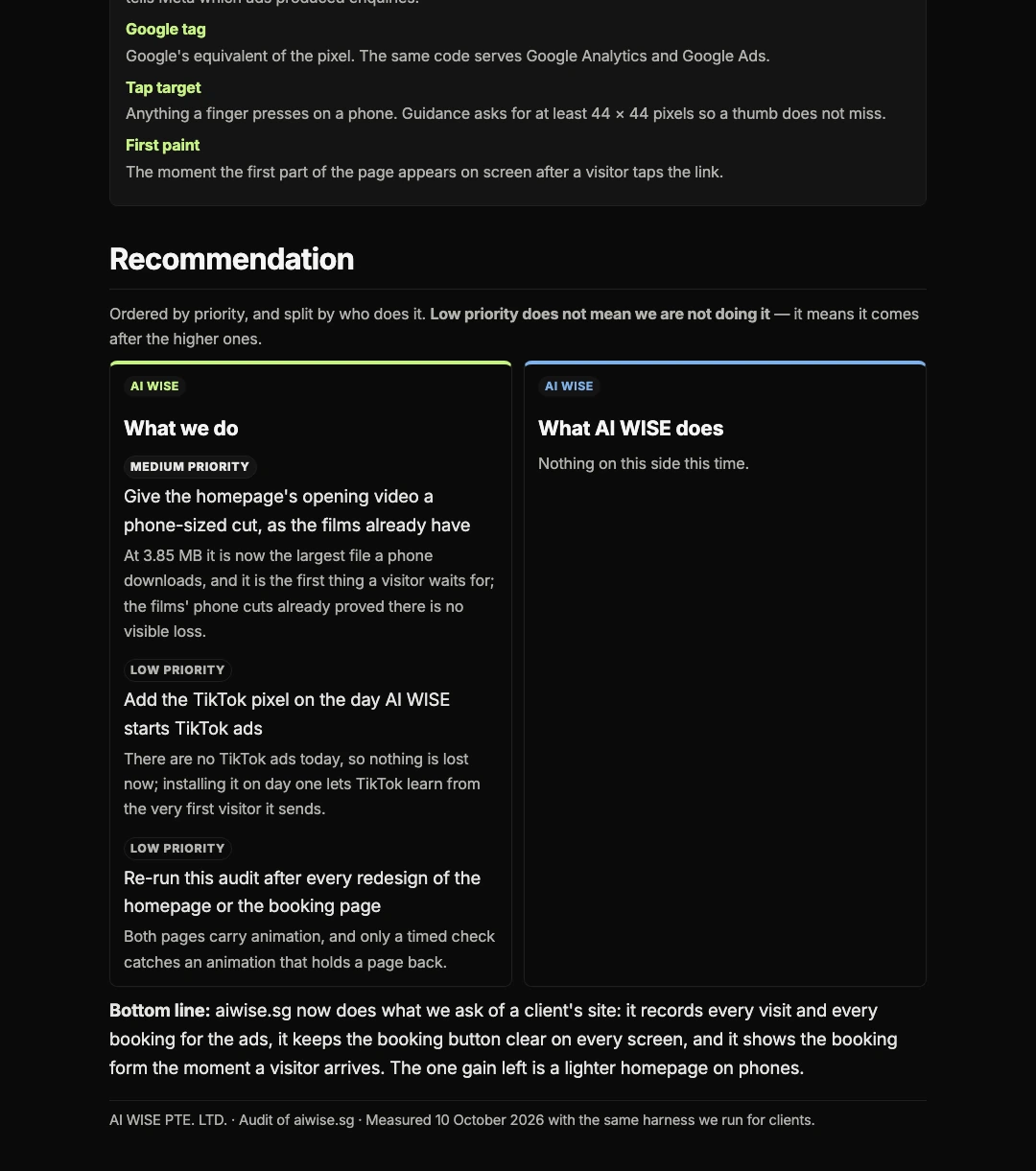
A report whose first page answers two questions: is the site broken, and if not, why do visitors leave? It ends with what to do on Monday: each fix, who does it and how urgent it is.
It runs in ChatGPT, Claude or Gemini
It tells you first what the chat asks of you: about ten screenshots and three public tools, roughly 20 to 30 minutes.
Tested
ChatGPT
Tested
Gemini
Not tested yet
Claude
No API key and no account: it never asks for a password, a login or access to your ad account; your numbers and screenshots are enough. It changes nothing on your site or in your ads. Tracking that runs on your site’s server can’t be seen from a browser, so if the numbers point there, it asks once for a screenshot from Meta’s Events Manager.
The fixes, done for you
The skill tells you what to fix and who should do it. For clients, we do the fixing: the offer, the tracking, the page the ads land on and the ads themselves, then we measure again.